 Anymark
How to give your documents to ChatGPT, Claude or an AI agent · Anymark
AI assistants and agents read Markdown natively and reason over it better than over a Word file or a PDF. A PDF’s tables often come out scrambled; a scan cannot be read at all by many tools; a spreadsheet loses its structure when pasted. Converting first gives the assistant the document as a person sees it: headings, lists and tables intact.
For a chat assistant
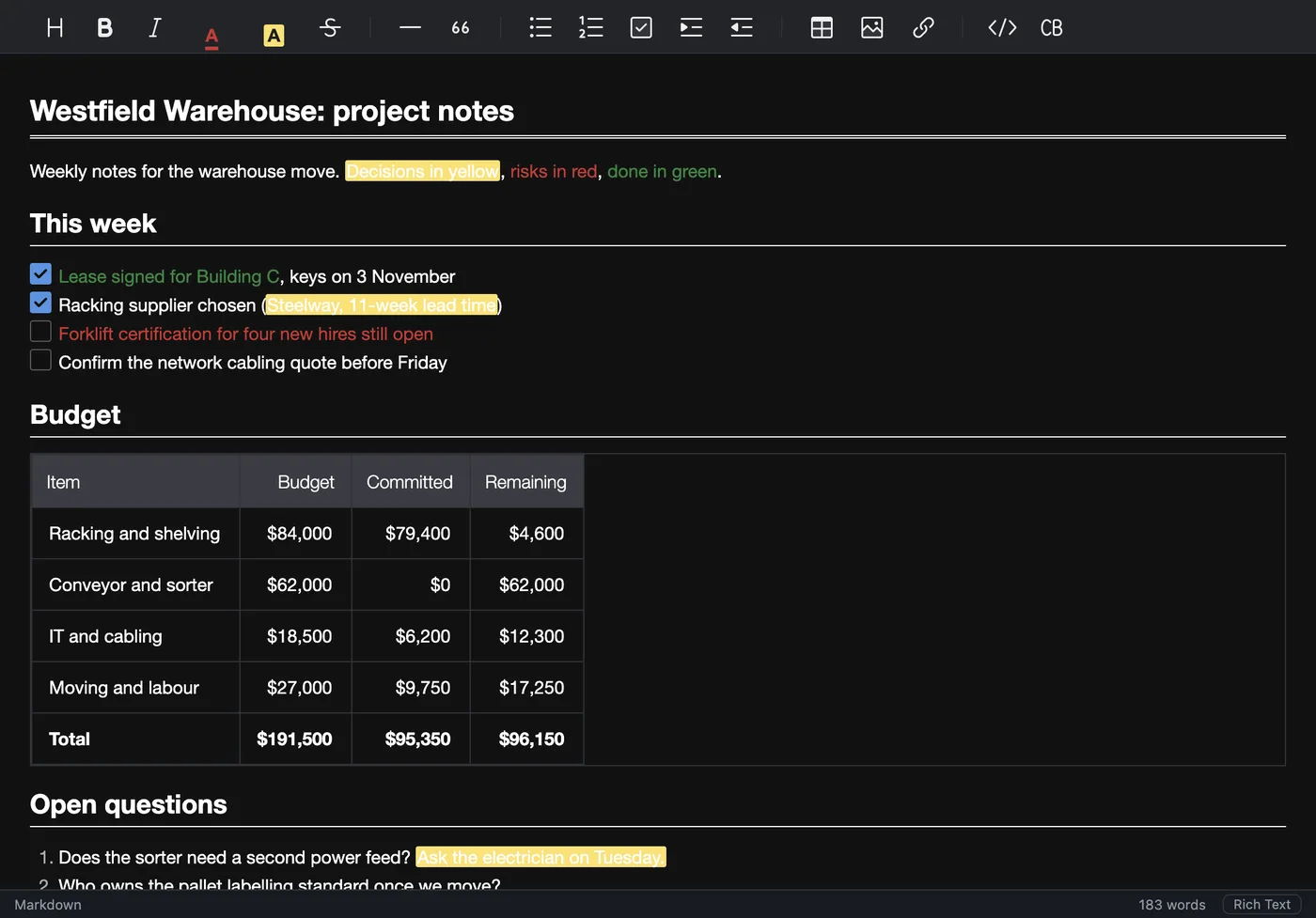
- Open the document in Anymark (Word, PDF, scan, spreadsheet or slides).
- Remove what the assistant does not need, such as account numbers or an address, right in the editor.
- Choose File > Share > Copy as Markdown and paste into the chat, or save the
.mdand attach it.
For an agent or a knowledge base
Convert the folders you already have with File > Batch Convert Folder…, or anymark --batch in a script. Every document becomes a plain text file that any search index, retrieval system or coding agent can read, and the originals stay where they are.
Keeping private files private
Uploading a contract or a tax form to a chatbot to have it “read the PDF” sends the whole file. Converting on your own computer first means you choose exactly what to share, and only that leaves your machine.
Try it on your own files. The full app, free for seven days, no card. Then $9.99 once, for life.
Download for Mac or Windows